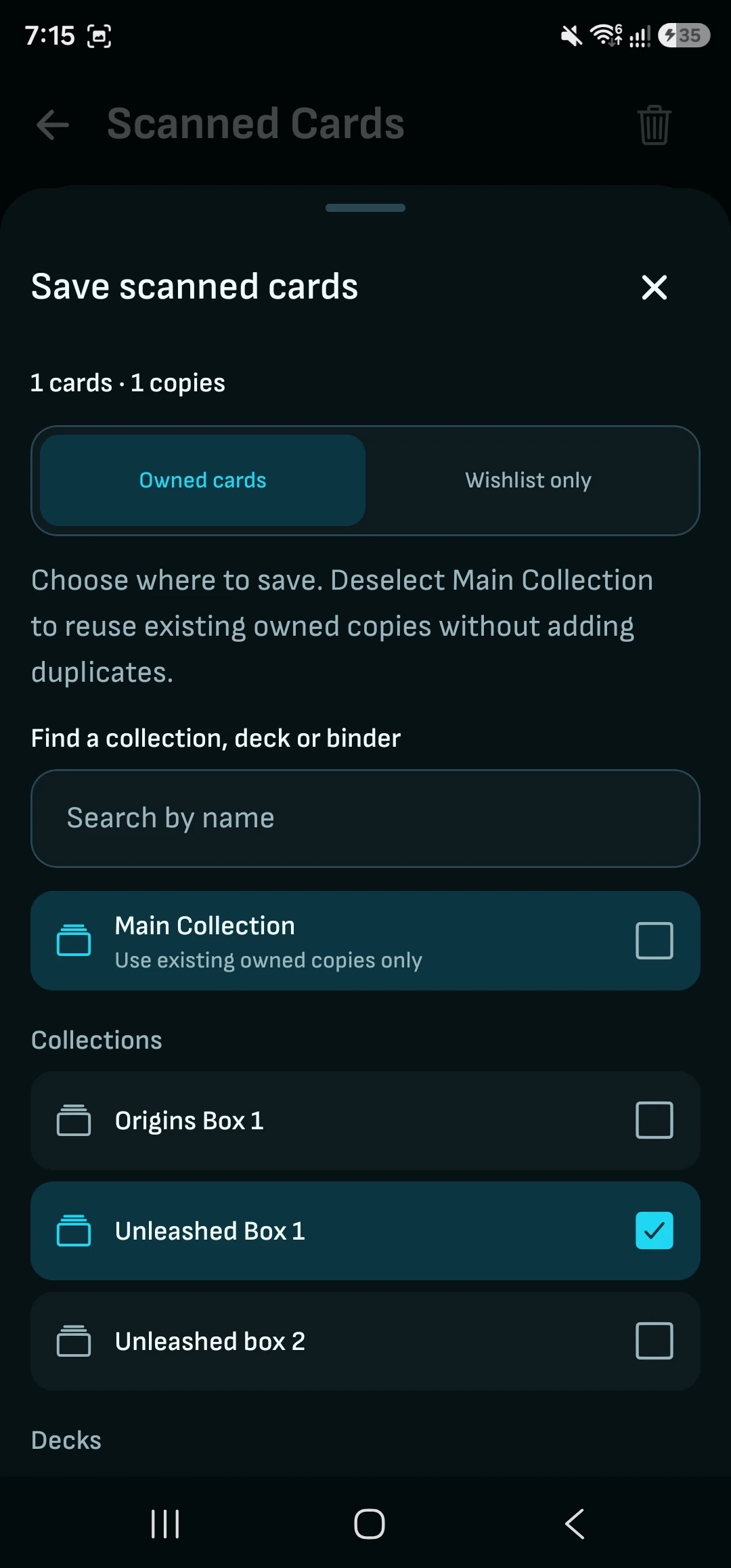
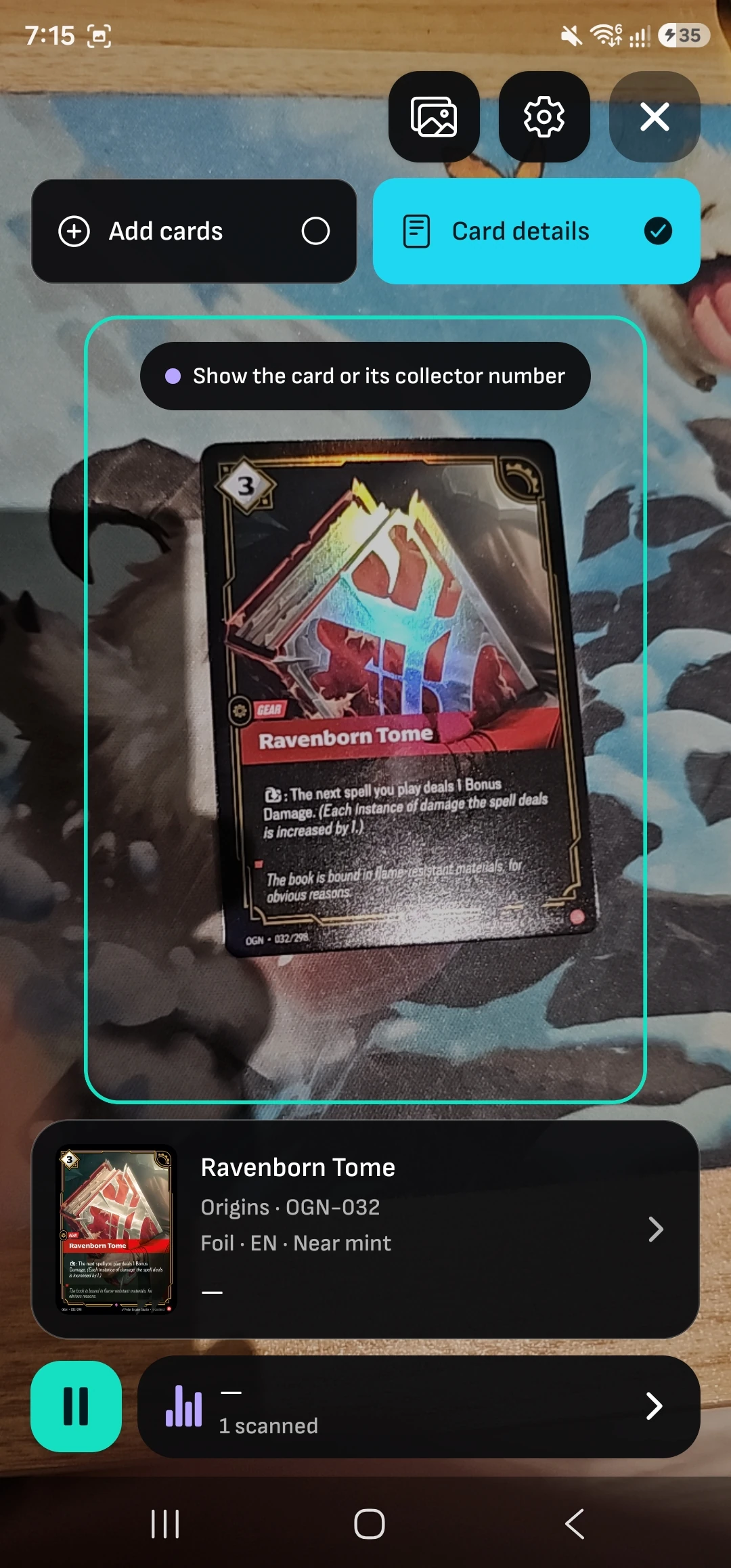
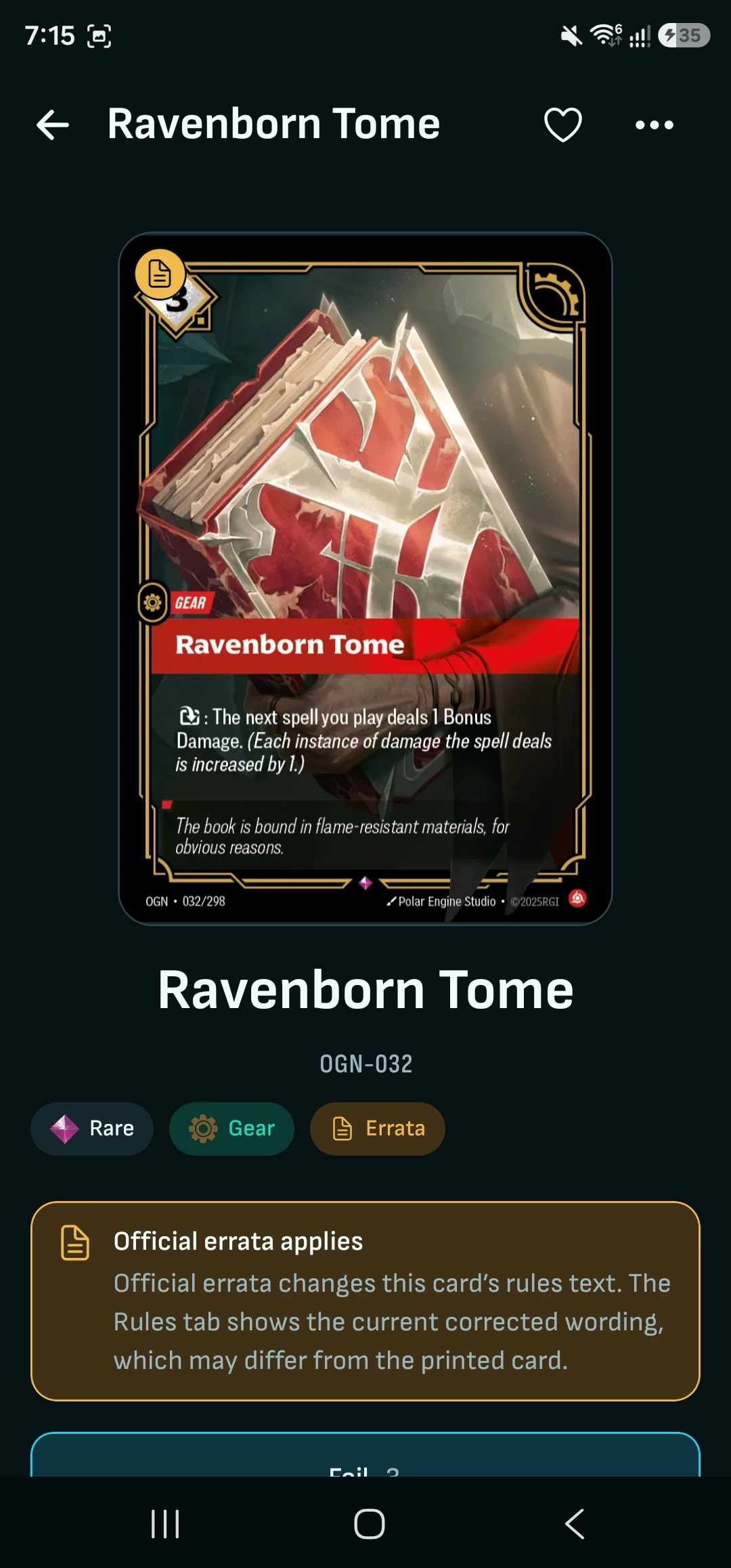
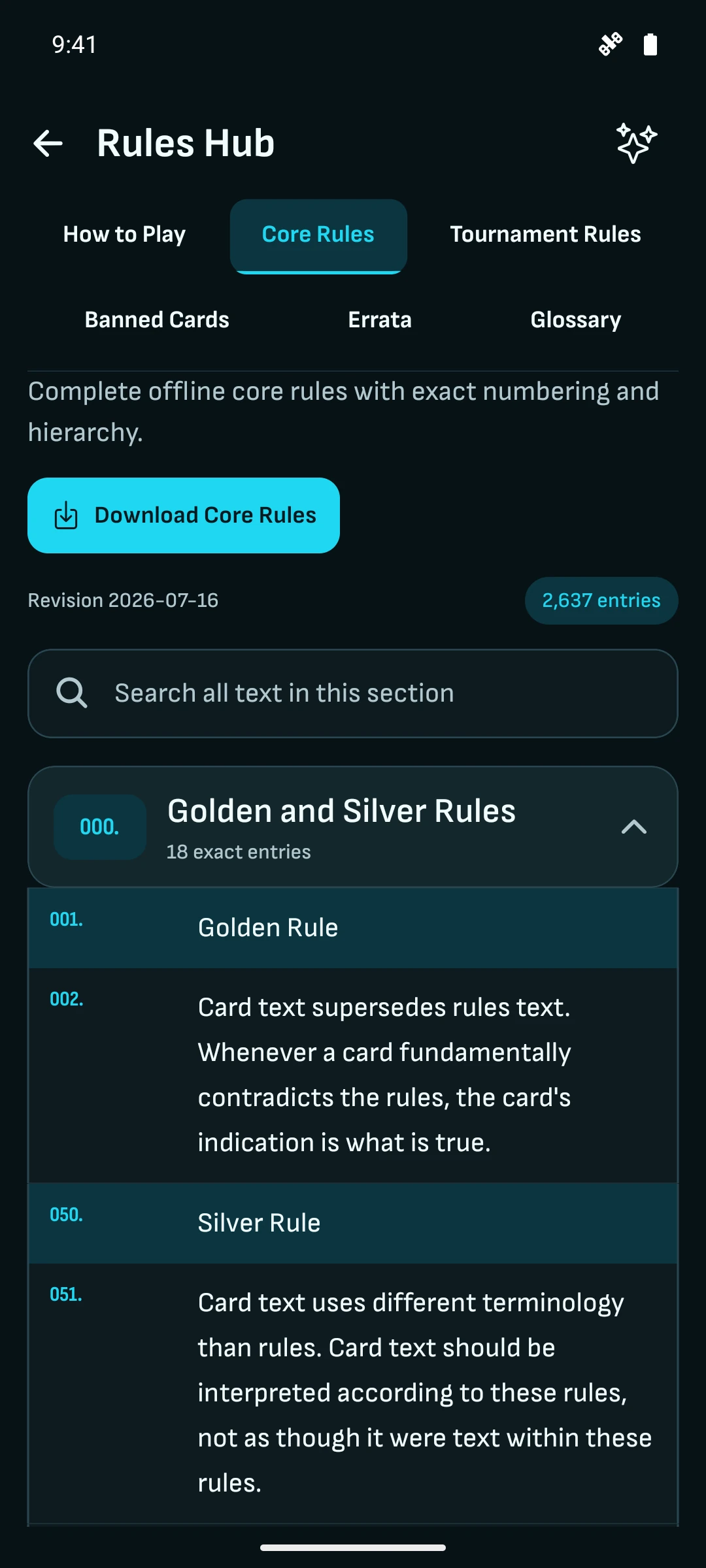
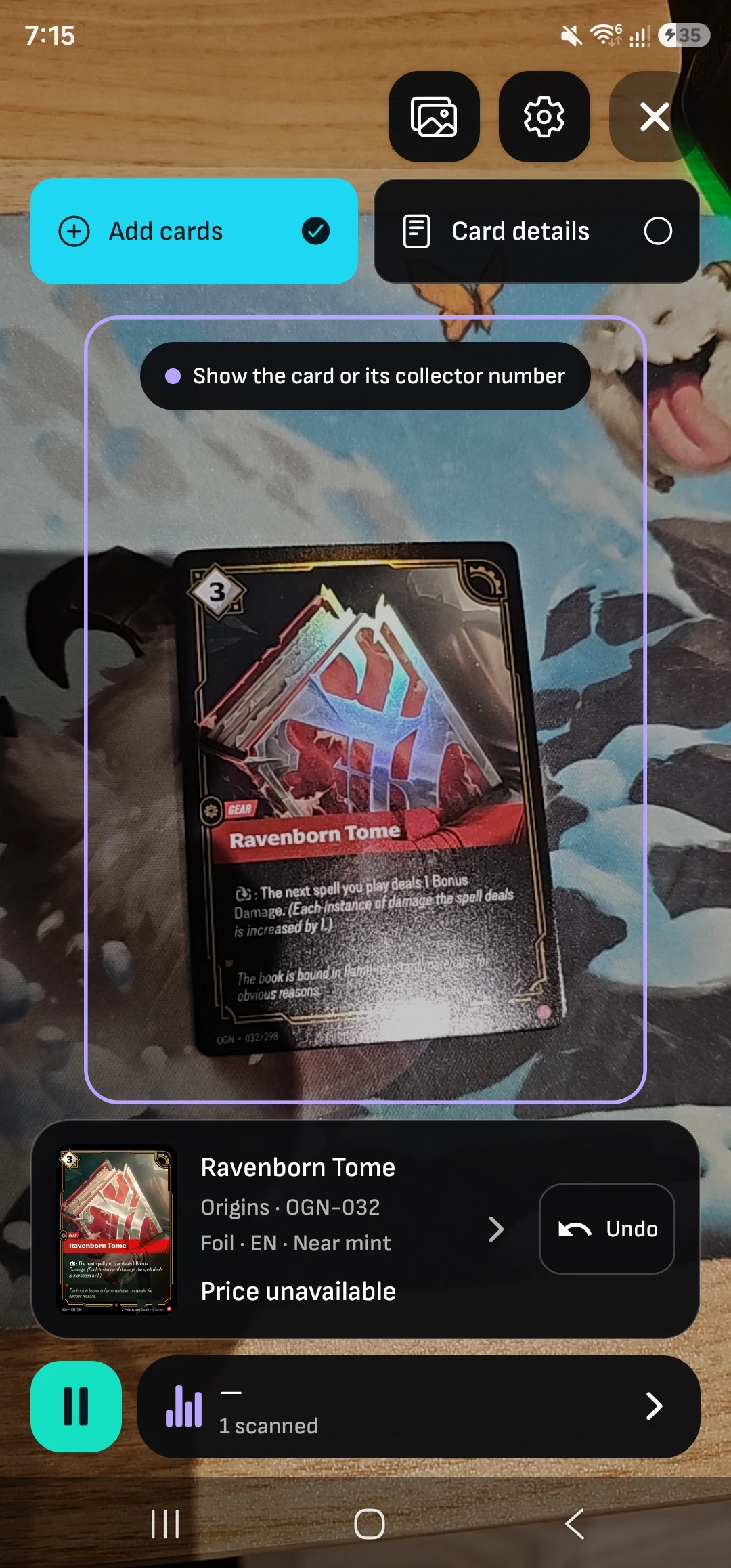
| Scan without counting | Sort a fresh box into the collection you choose, or use Details mode to check a card’s rules and errata mid-game. Unlimited on-device scanning in supported mobile builds; browser scanning is coming soon. | Some free scanners cap scans per month or day, with paid plans lifting the cap. Browser scanning and native mobile scanning vary by tool. |
|---|
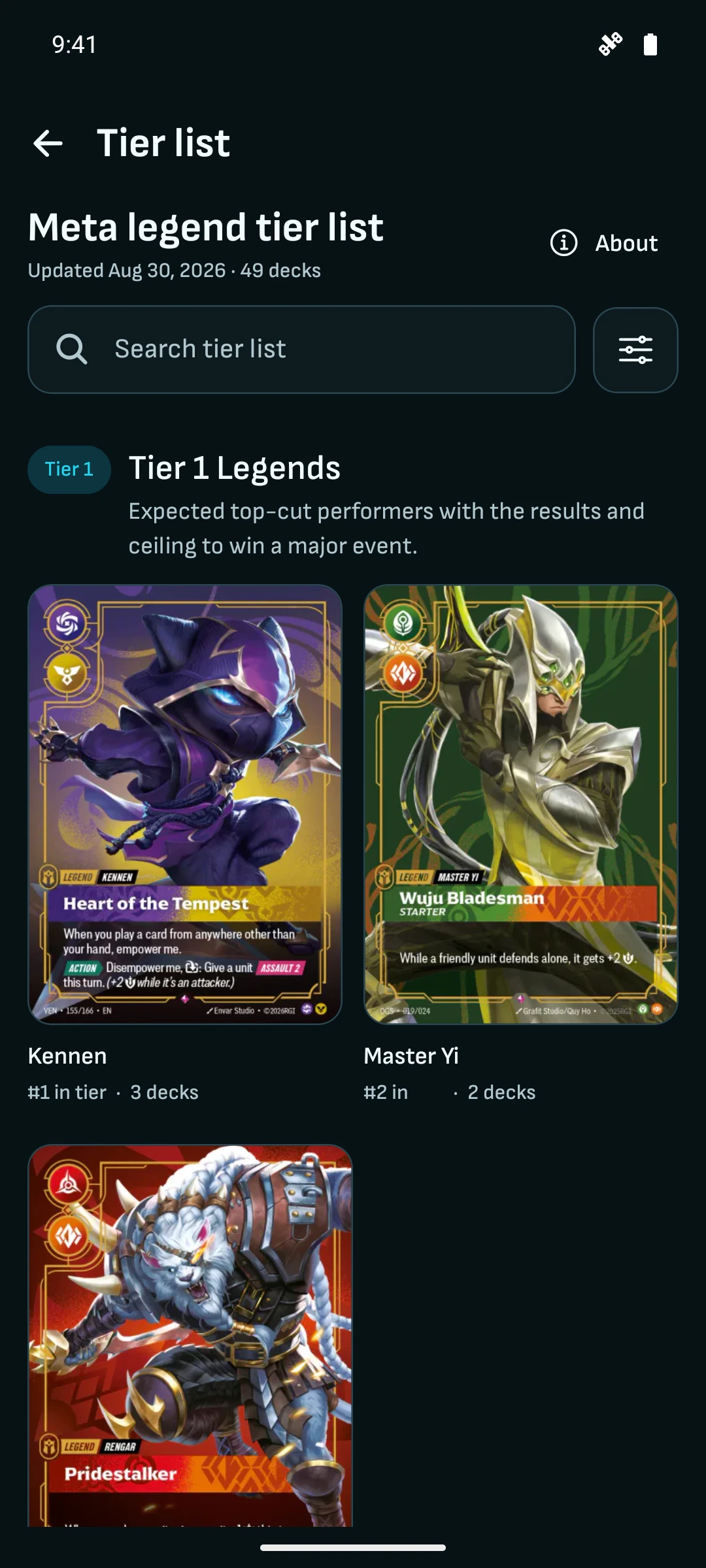
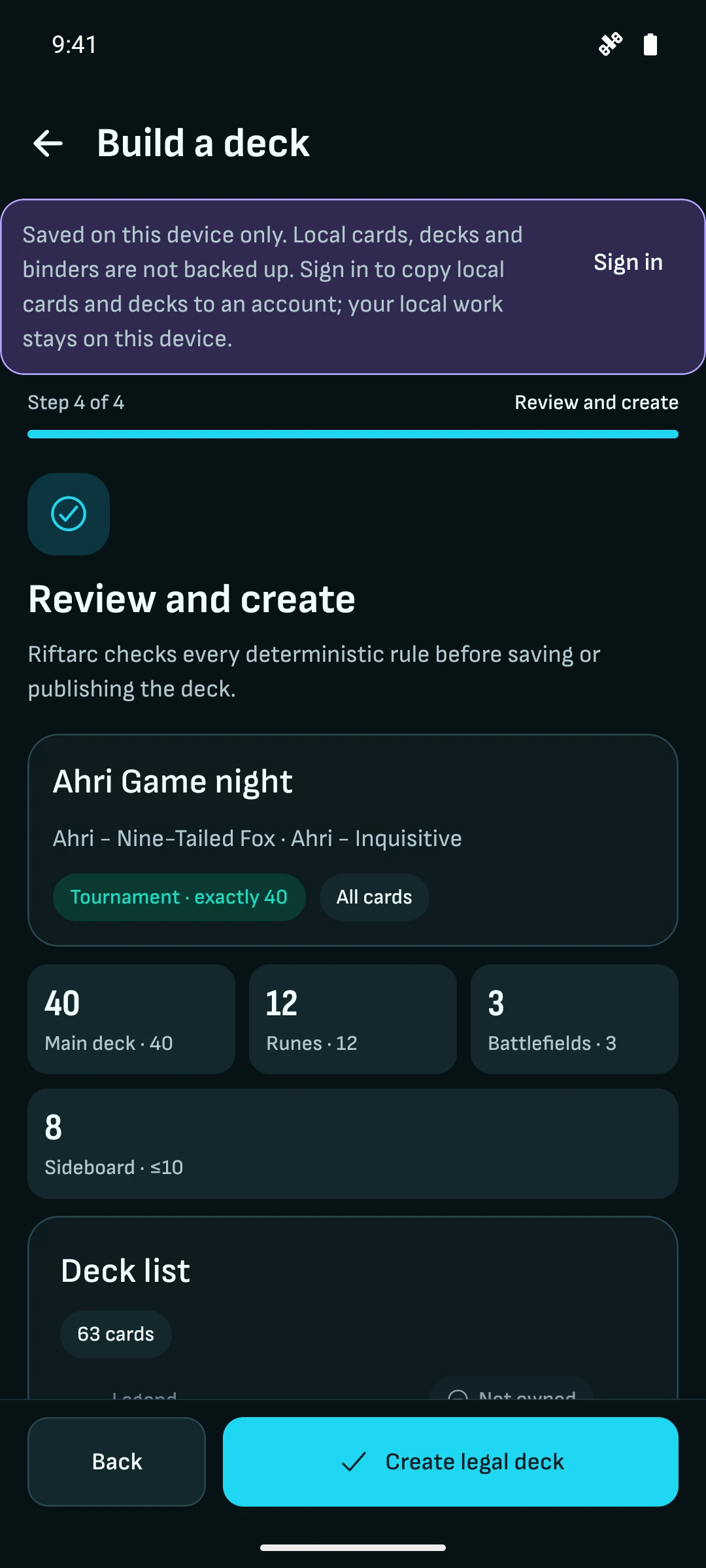
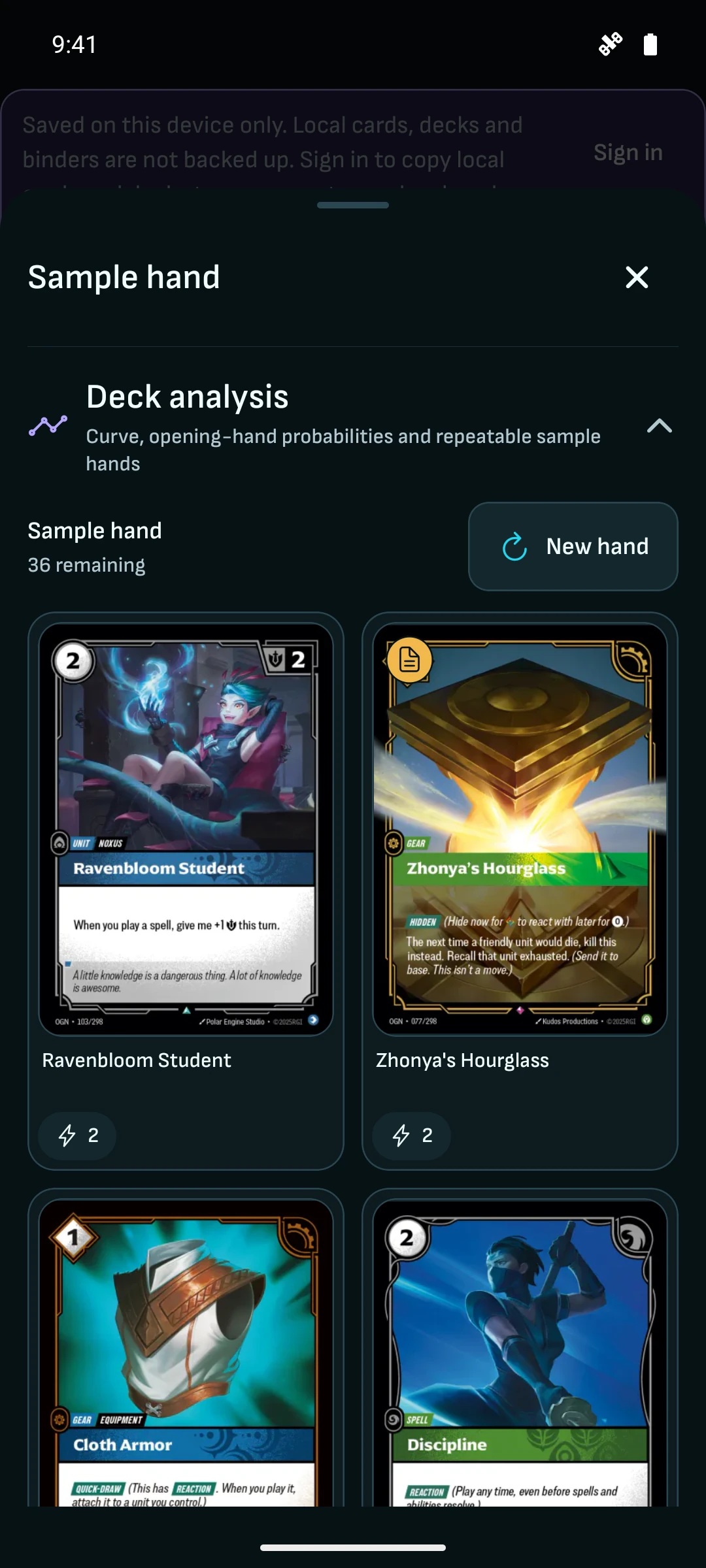
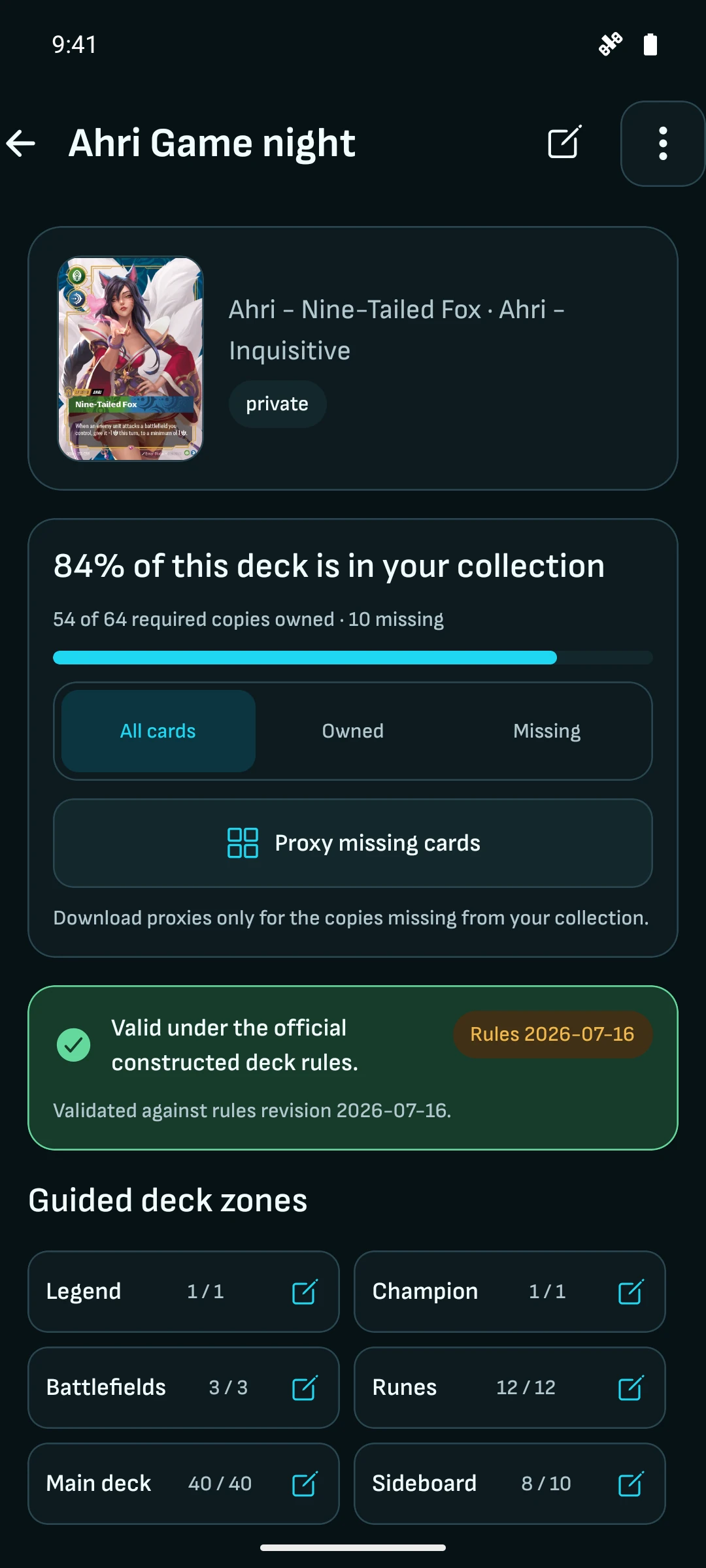
| Turn a decklist into your next deck | Import text, collector codes, TTS, JSON or a tournament decklist. See the percentage you own, check legality, then export the missing cards as a PDF or print proxies for practice. Build and share unlimited decks; explore curated meta tier lists for your next idea. | Some mobile companions sell extra permanent deck or binder slots alongside subscriptions. Deck imports and ownership checks may still be free. |
|---|
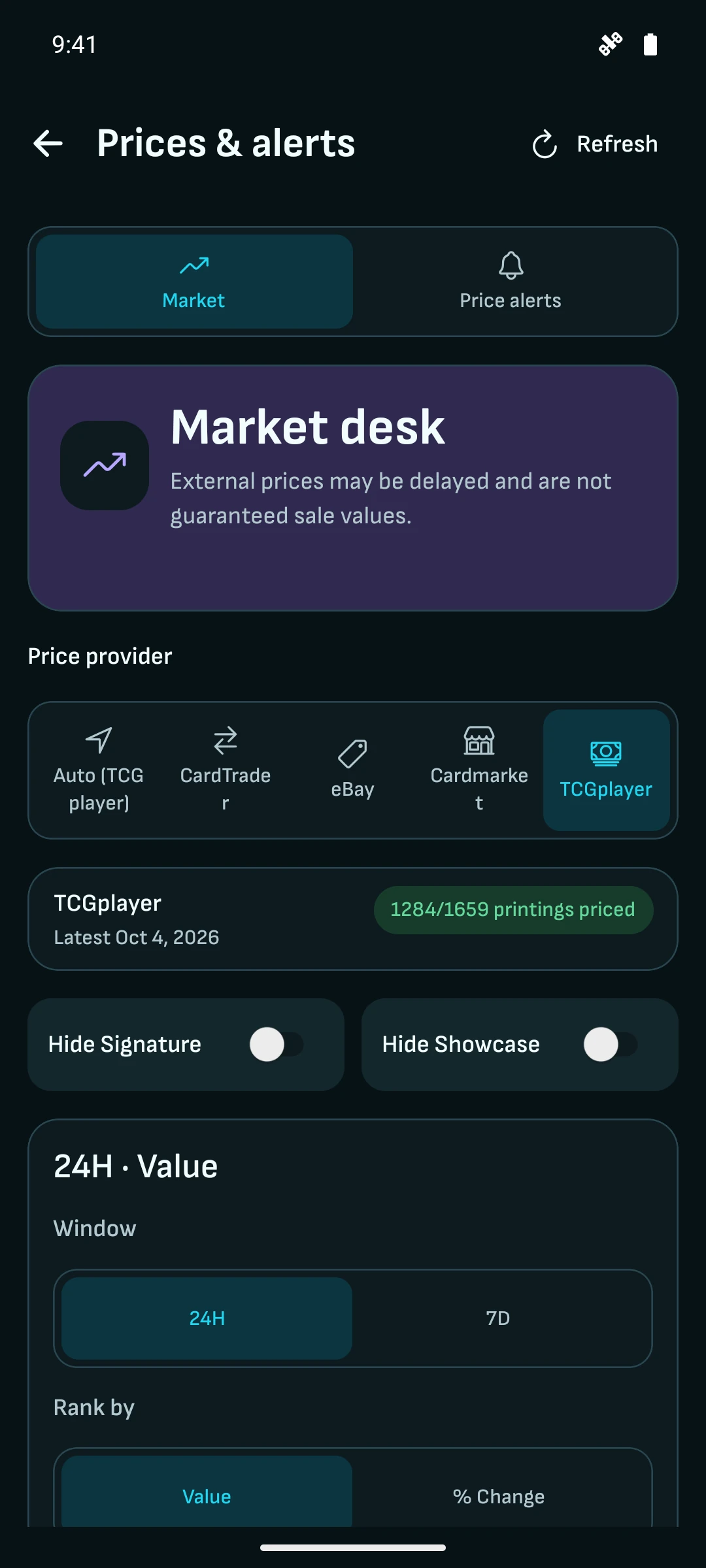
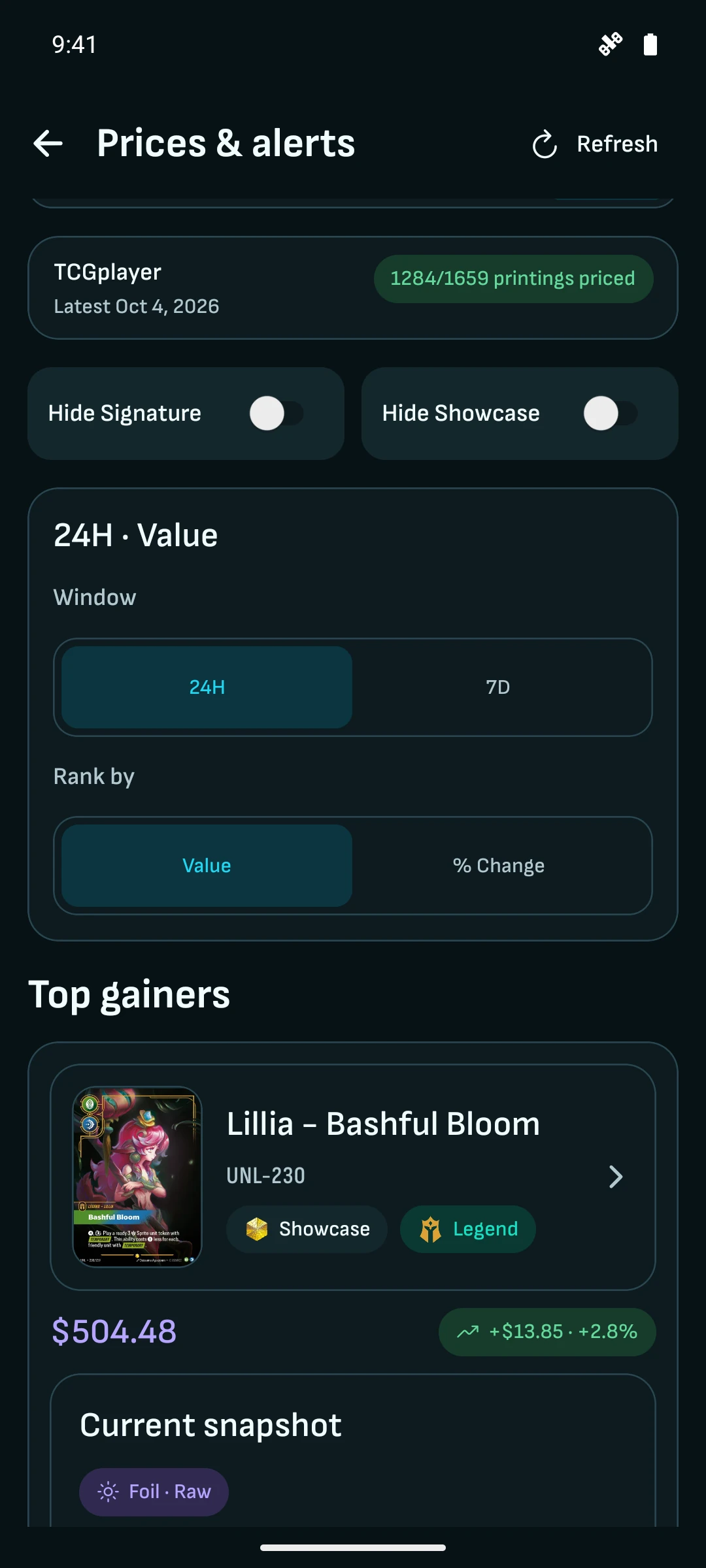
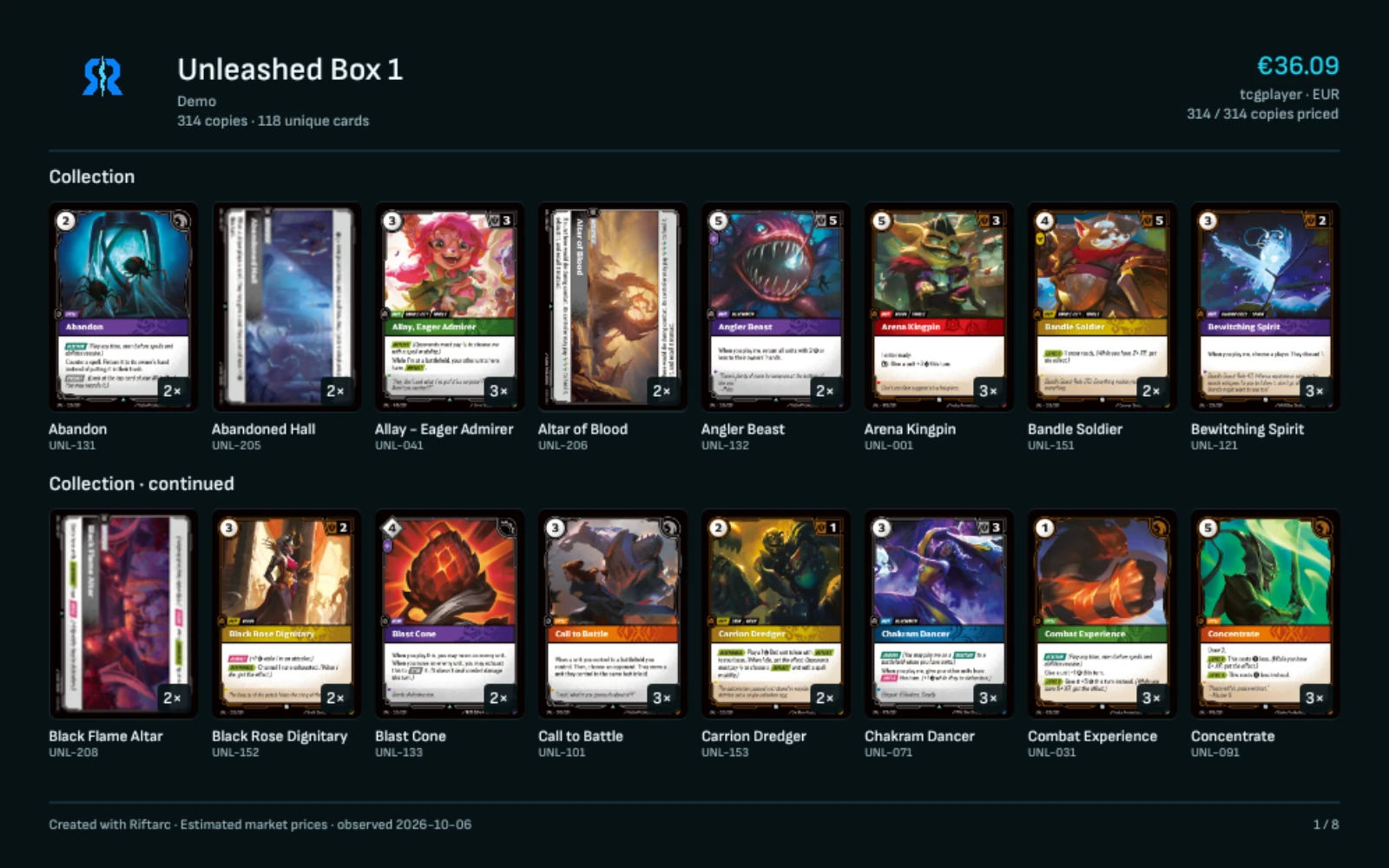
| Turn a bulk box into a sale listing | Scan into a separate For sale collection. Share its link or QR code with a group or buyer, or export the entire collection as PDF pages and images for a Reddit, Facebook or eBay listing. Compare TCGplayer, Cardmarket, CardTrader and eBay values in USD, EUR or GBP. | Free browser tools can share collection links, images and text/CSV exports. Some list three pricing marketplaces and offer no native mobile app. |
|---|
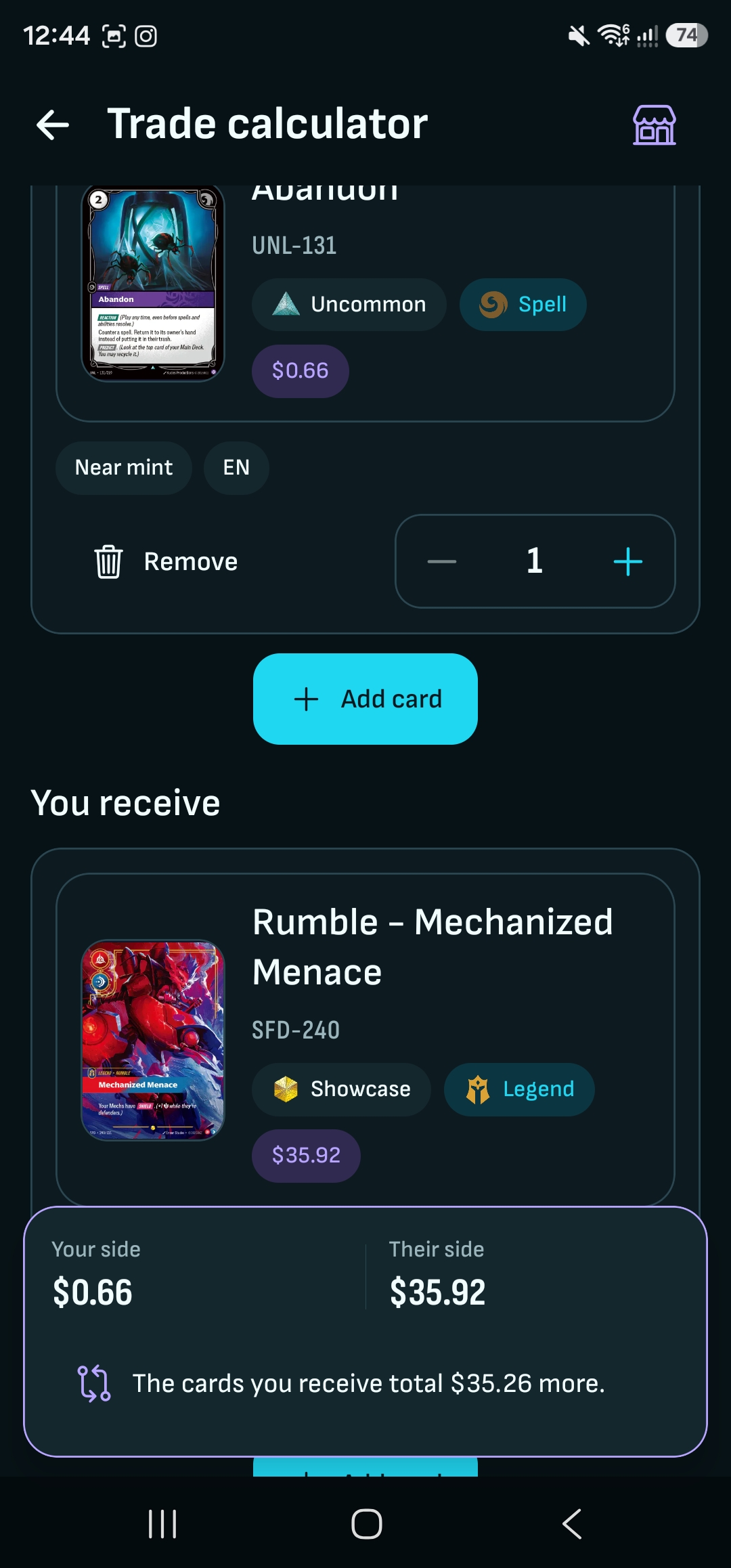
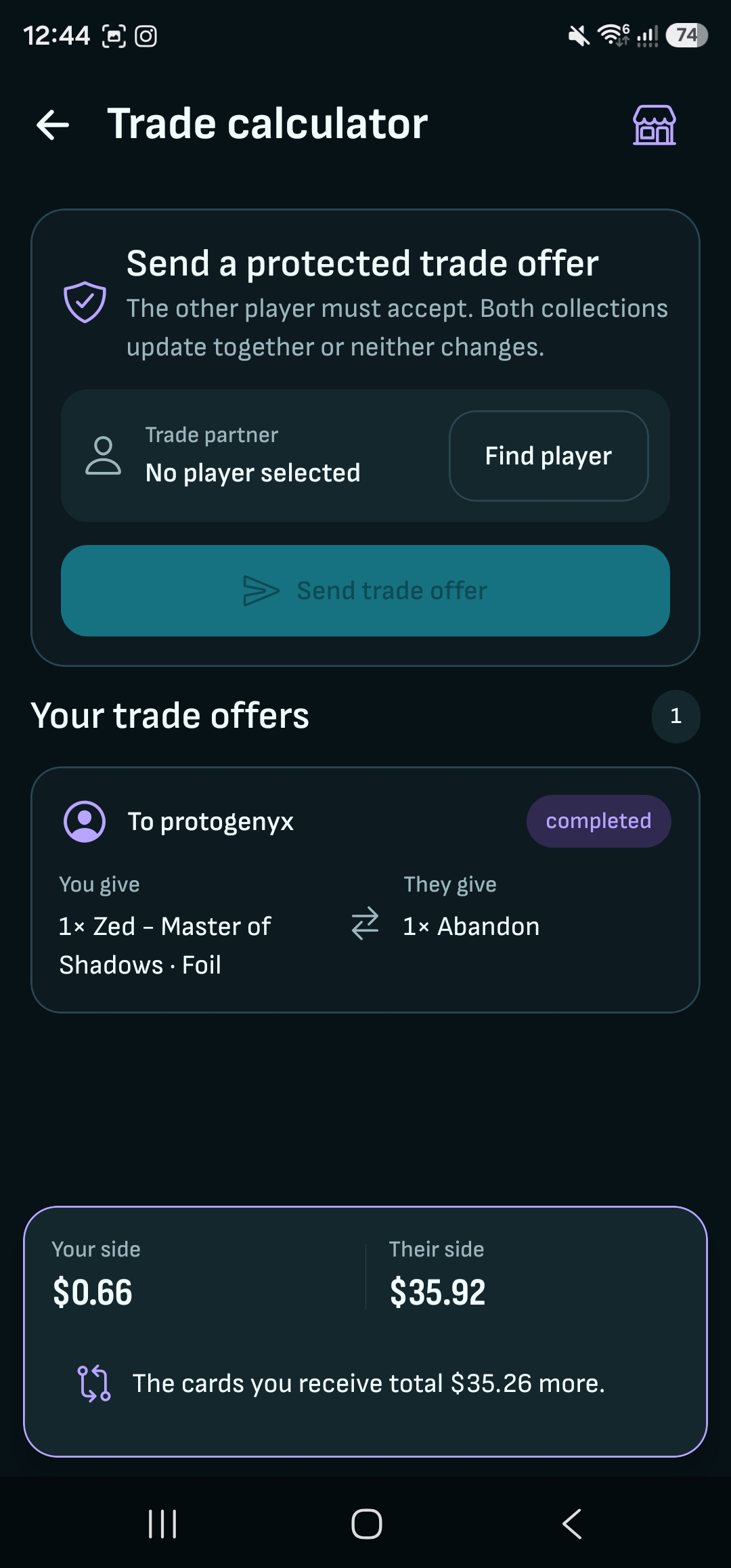
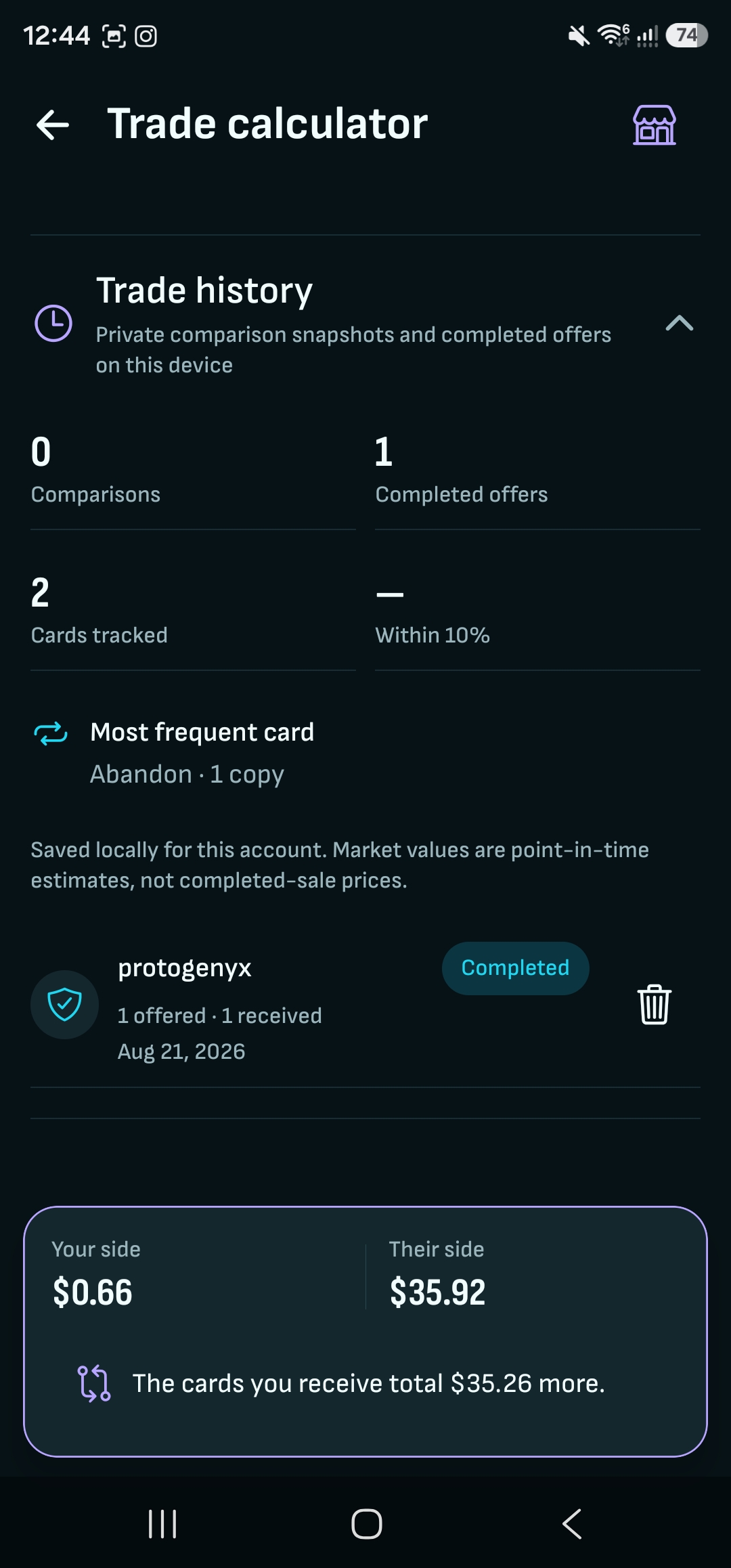
| Finish a trade at your local store | Compare both sides of an offer using the same market and currency. When both Riftarc users confirm, the traded stock moves between their collections. Sell or transfer a whole collection with its contents instead of rebuilding the buyer’s inventory by hand. | Free browser tools can also match wishlists with tradelists, reserve copies and move them between collections when each person confirms the exchange. |
|---|
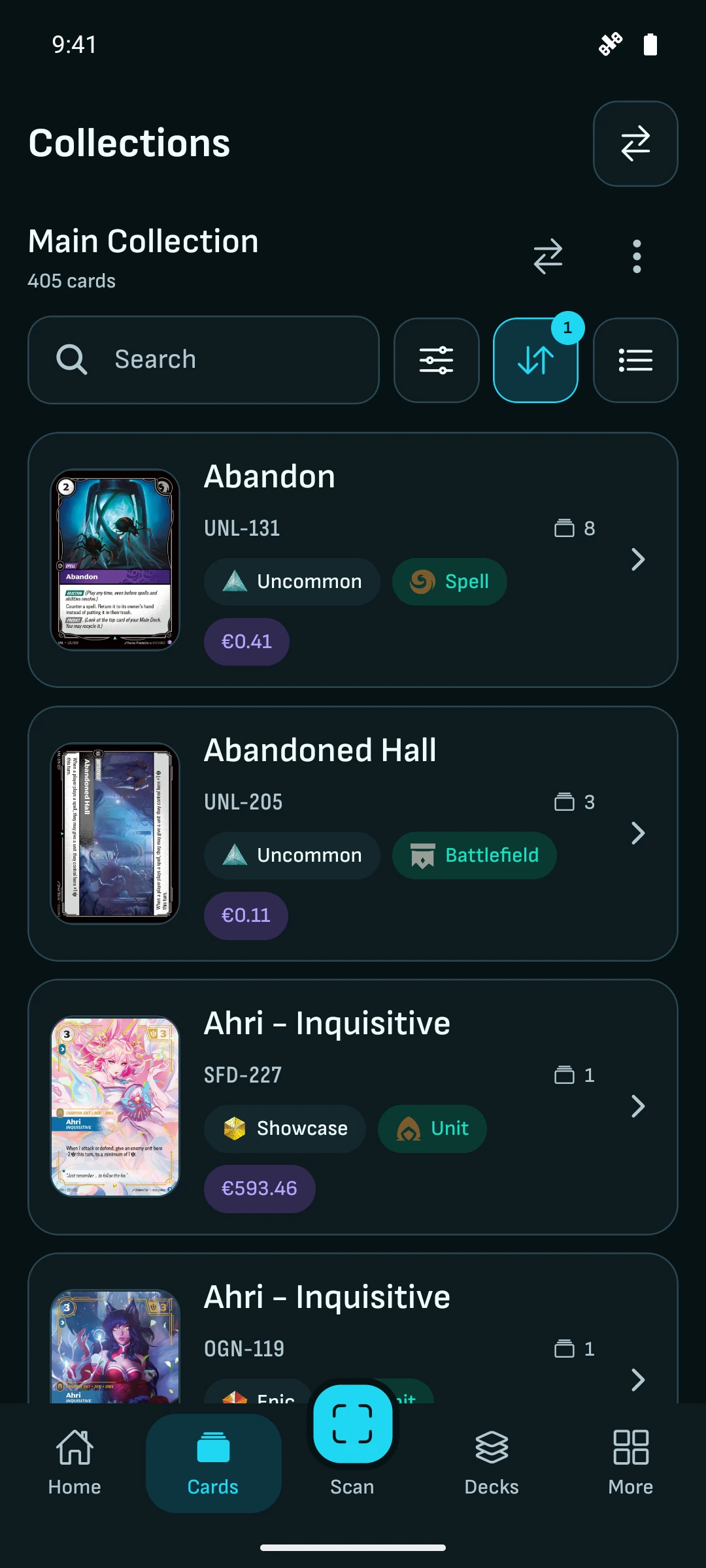
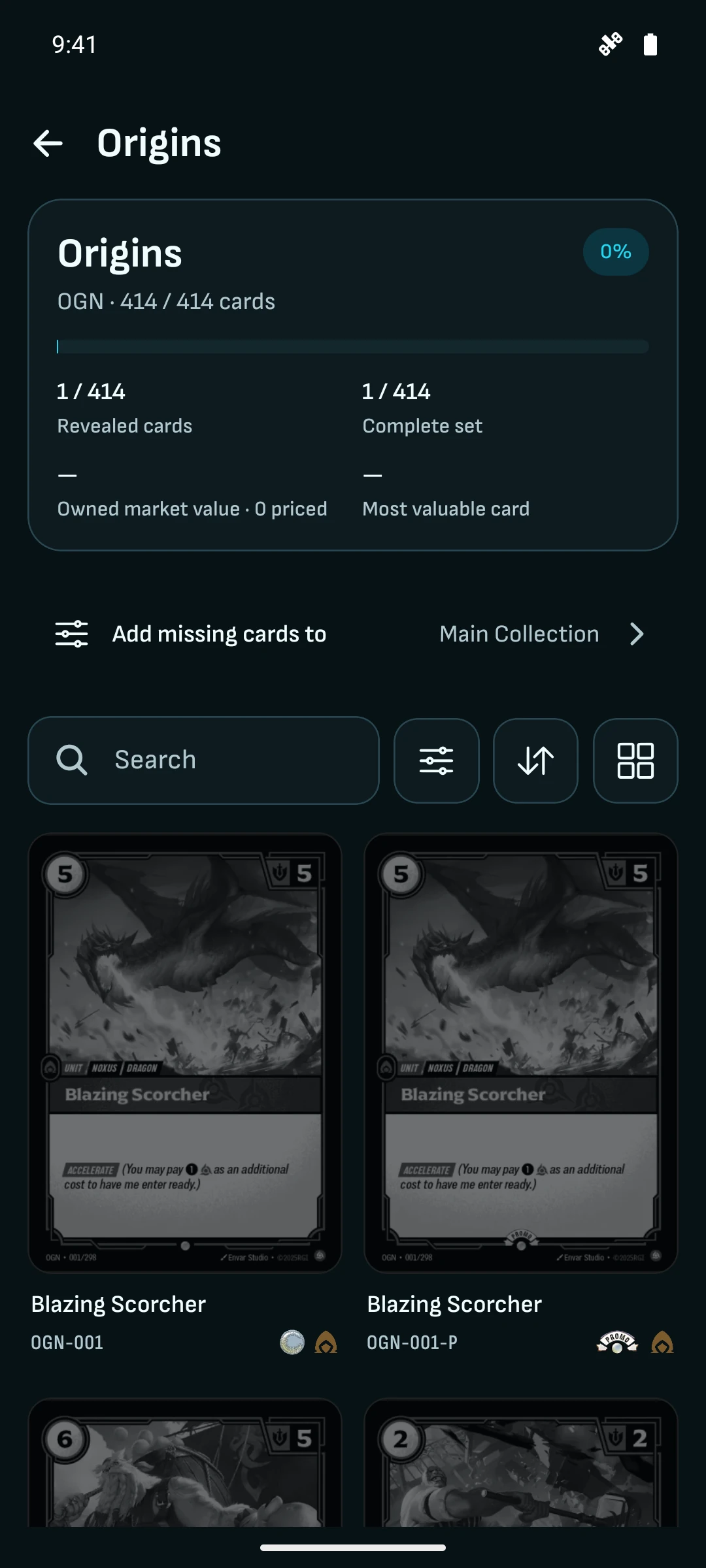
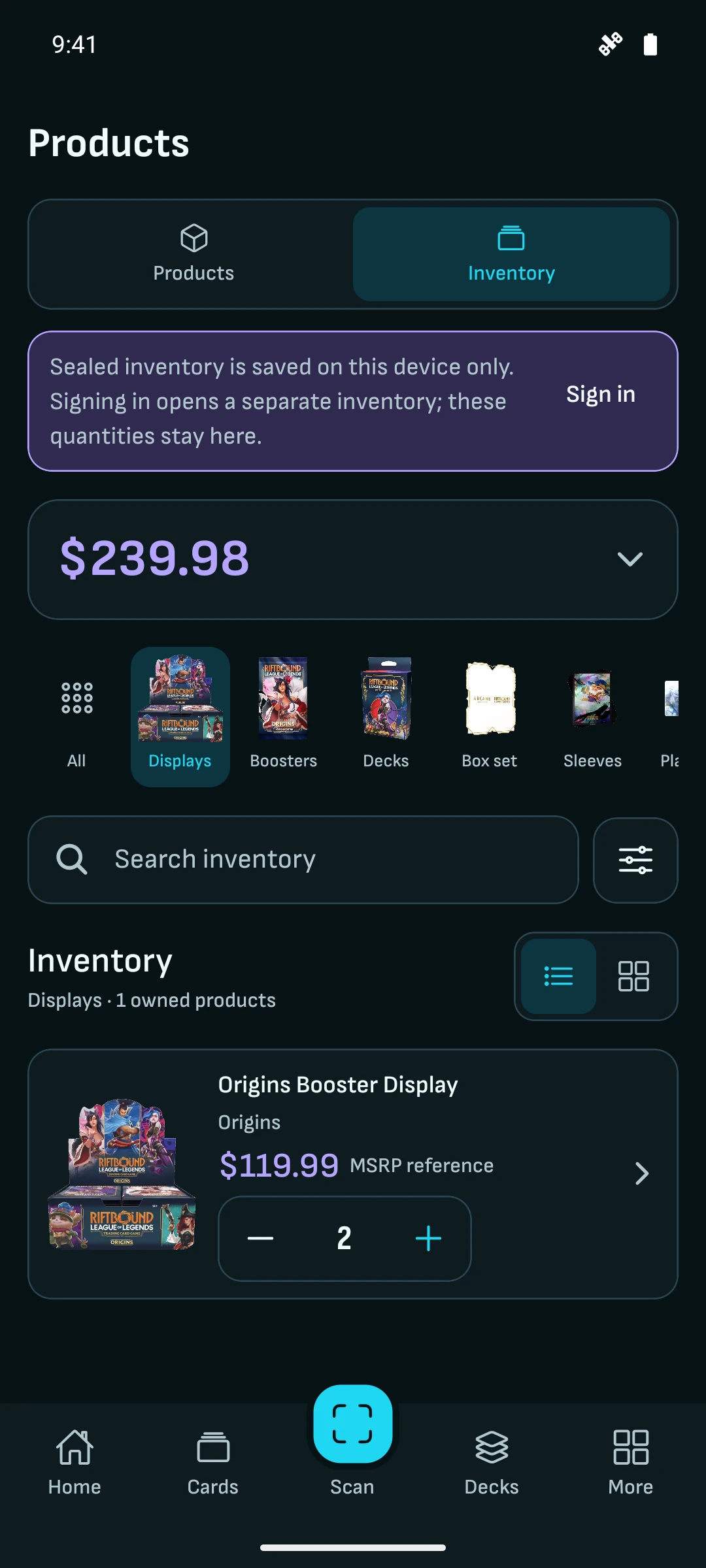
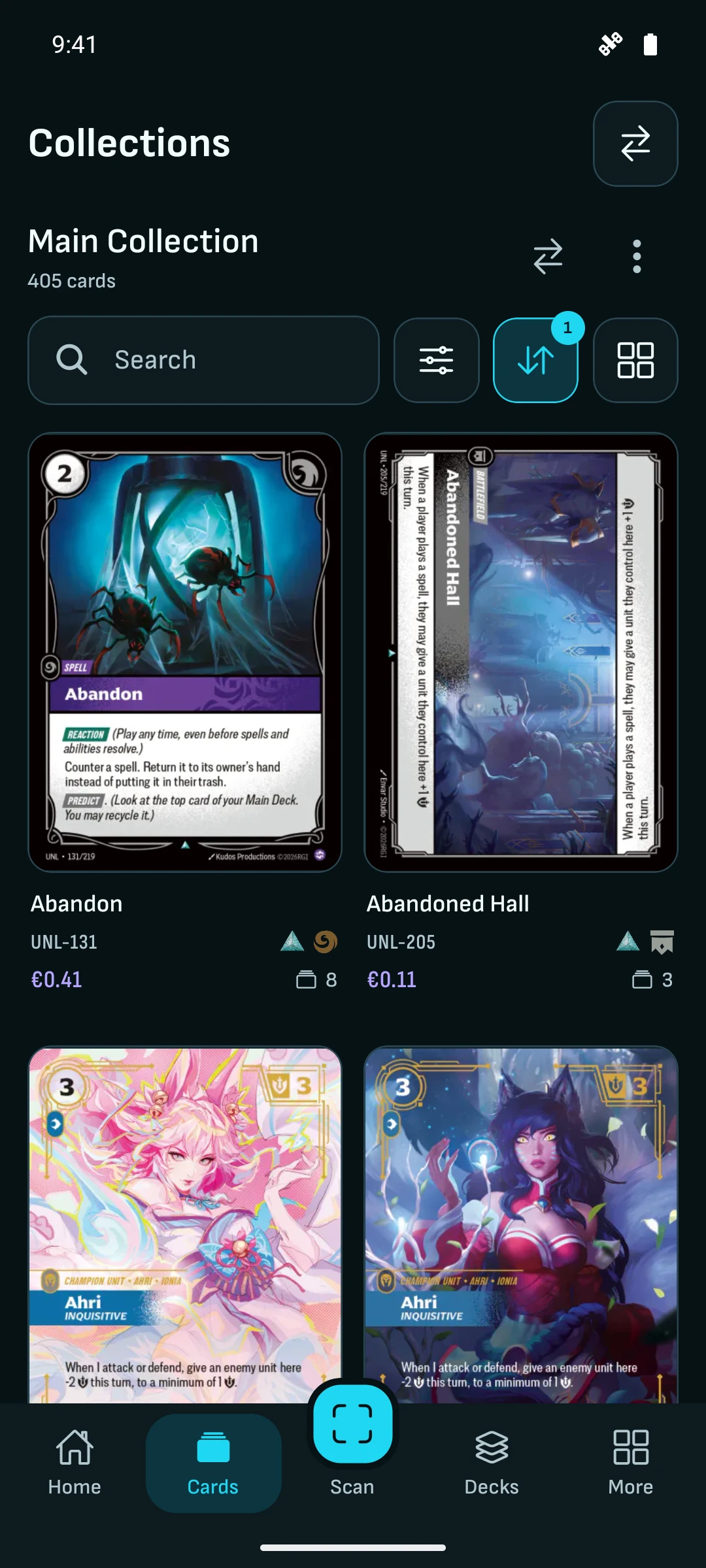
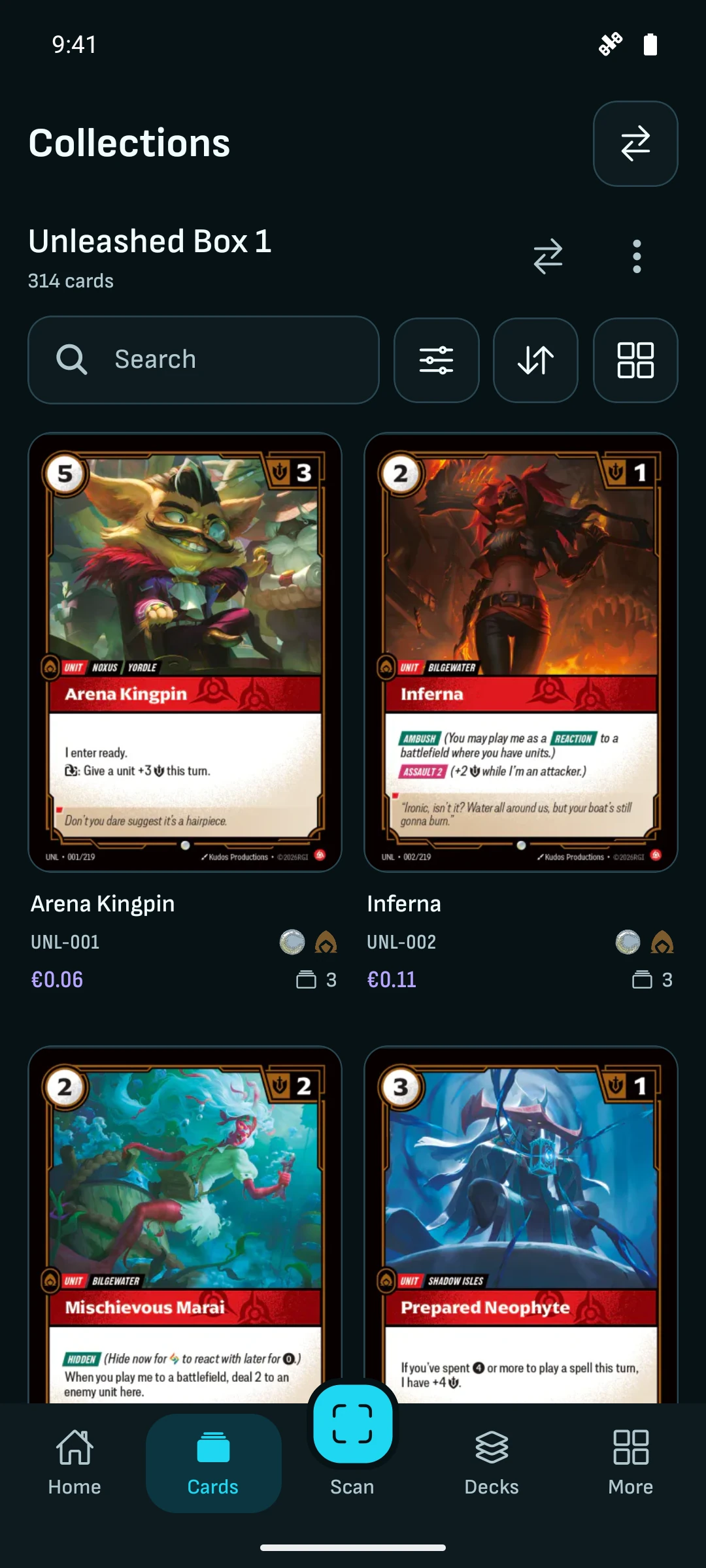
| Keep your whole collection | Organize exact printings into named collections and visual binders, record what you paid, and track sealed products alongside cards. No card, collection or binder cap. | Published free plans can cap collections at 500 cards, with unlimited cards and sealed-product tracking in a paid plan. |
|---|
| Watch the cards you want | Put the cards missing from your deck on a watchlist and set price alerts before buying. Watchlists and alerts are free, with no paid unlock. | Some free plans include three price alerts; paid plans expand that allowance to 20. |
|---|
| Check the trend before buying or selling | Check 30 days, three months, six months or all available price history for the printing and market you need before agreeing a price. Included with a free account. | Advanced price statistics, collection valuation and sealed-product history can require a paid plan, even in apps available on both mobile platforms. |
|---|
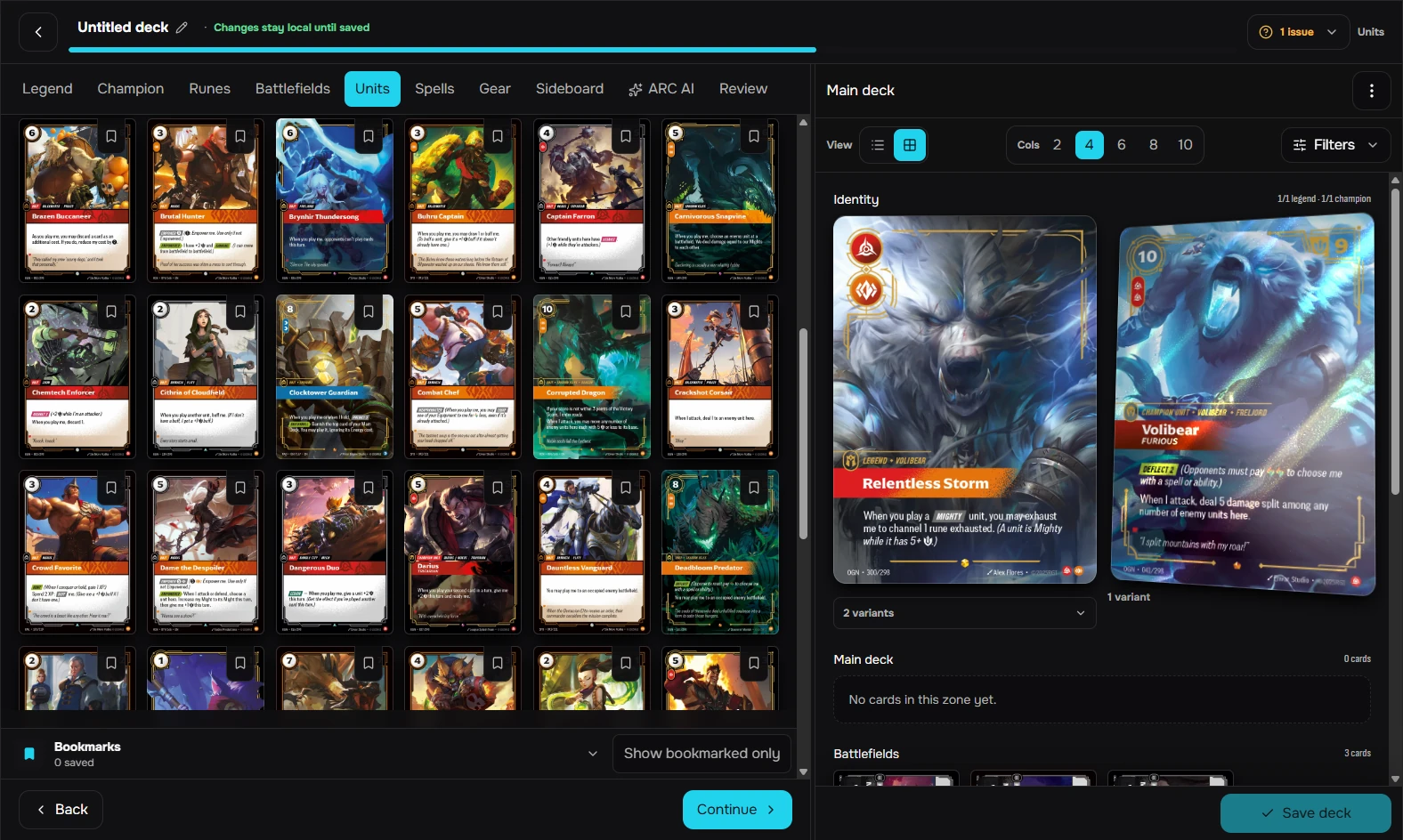
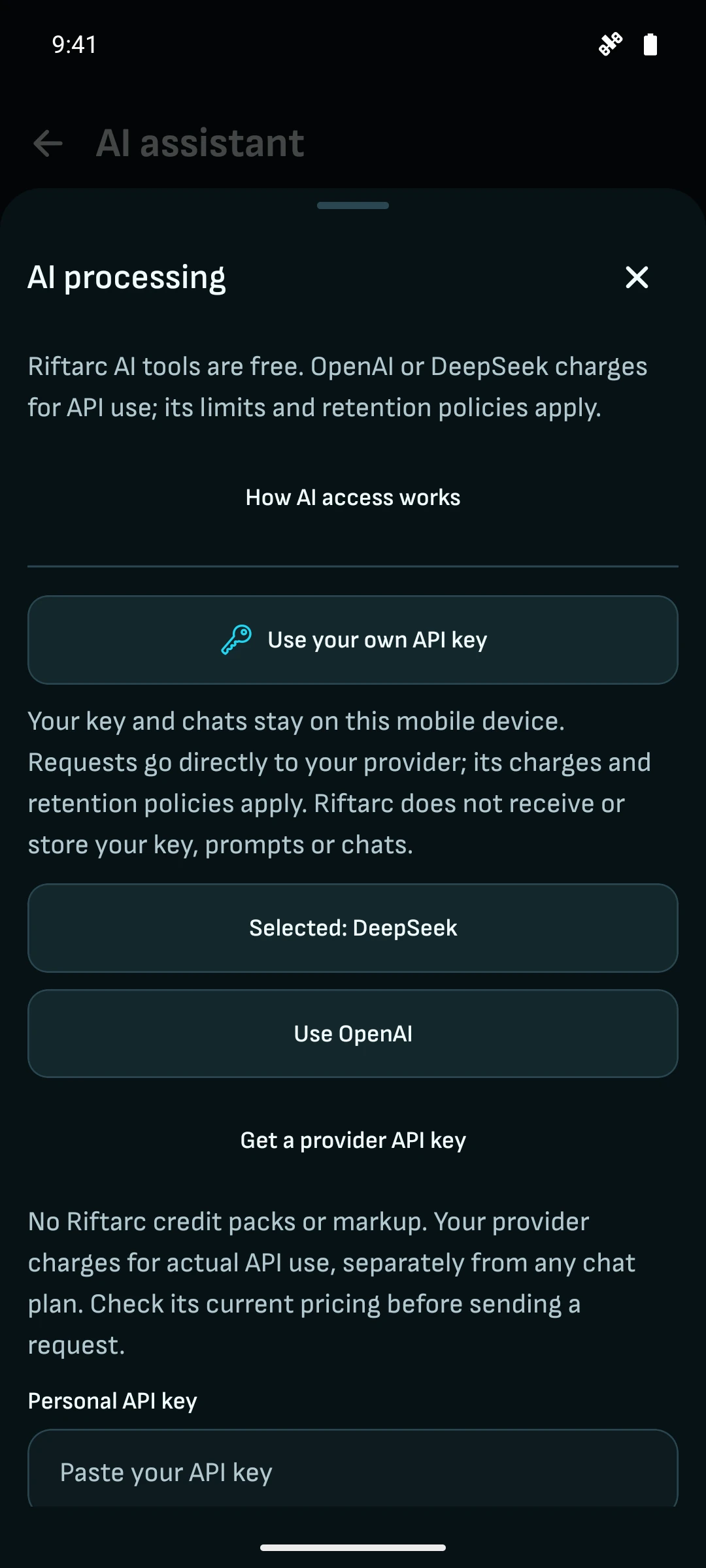
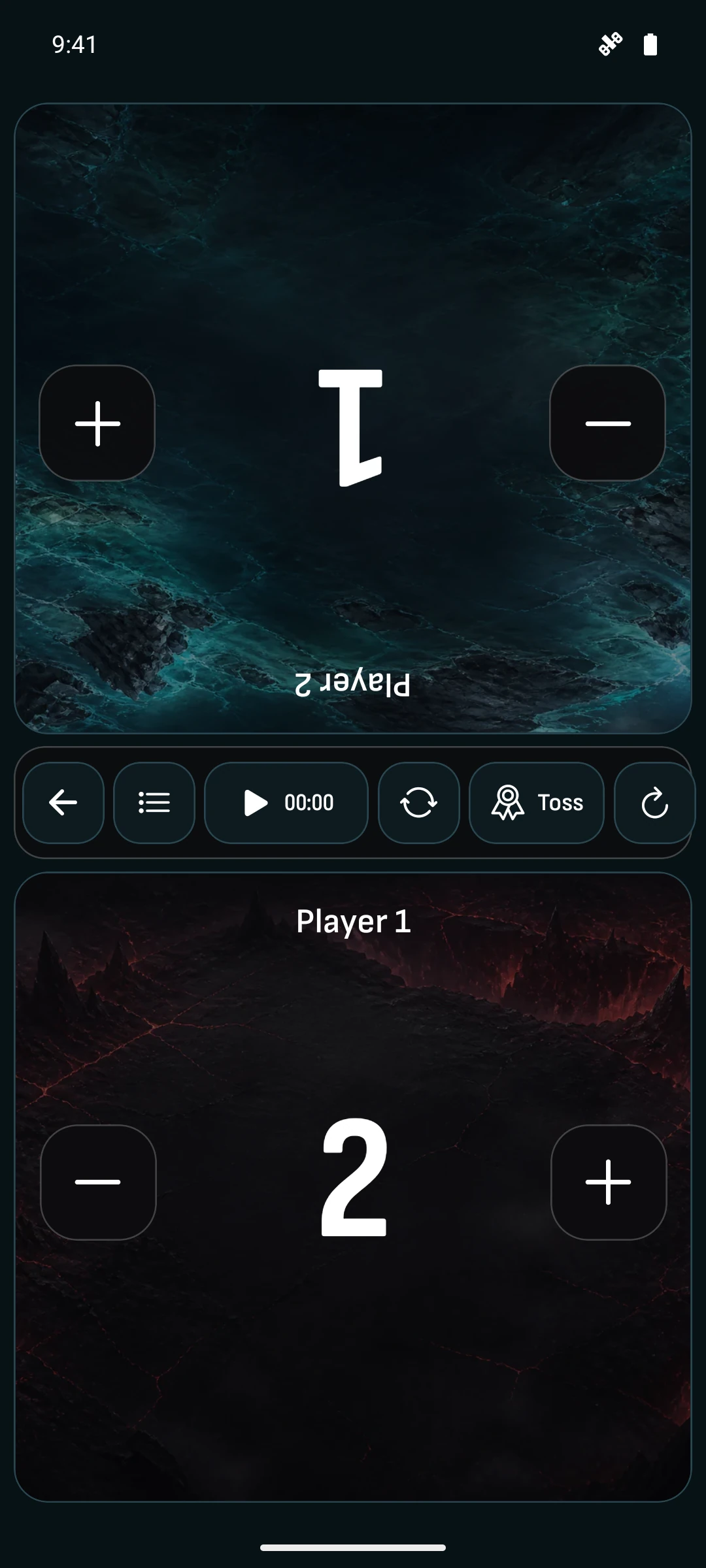
| Use your phone at the table, your computer at home | Native iOS and Android apps plus a signed-in web workspace. Scan and trade at the table, then organize collections and build decks on your computer. In the mobile app, connect your own AI provider to ask rules questions or work on a deck; provider charges apply separately. | Some tools are browser-only, with no native iOS or Android app. Others offer both mobile platforms, while some still mark mobile downloads as coming soon. A home-screen shortcut is different from a native app. |
|---|

 Open full-size screenshot in a new tab
 Open full-size screenshot in a new tab
 Open full-size screenshot in a new tab